- Does the Xbox Series X support Dolby Vision gaming?
- Yes. The Xbox Series X and Series S are the only consoles that do. On a supporting TV, the console can output games in Dolby Vision at up to 4K 120 Hz. You turn it on under Settings, TV and display options, Video modes. The PS5 and PS5 Pro use HDR10 only.
- Should I use Dolby Vision or HDR10 for Xbox games?
- Try both. Only a handful of games are mastered in Dolby Vision; most use HDR10, and on those the Xbox converts to Dolby Vision in a way that some players find brighter and others find washed out. If you prefer HDR10, set the TV's HGiG tone-mapping mode and run the Xbox HDR calibration app so the game's own tone mapping is used.
- Do I need 144 Hz or 165 Hz for an Xbox?
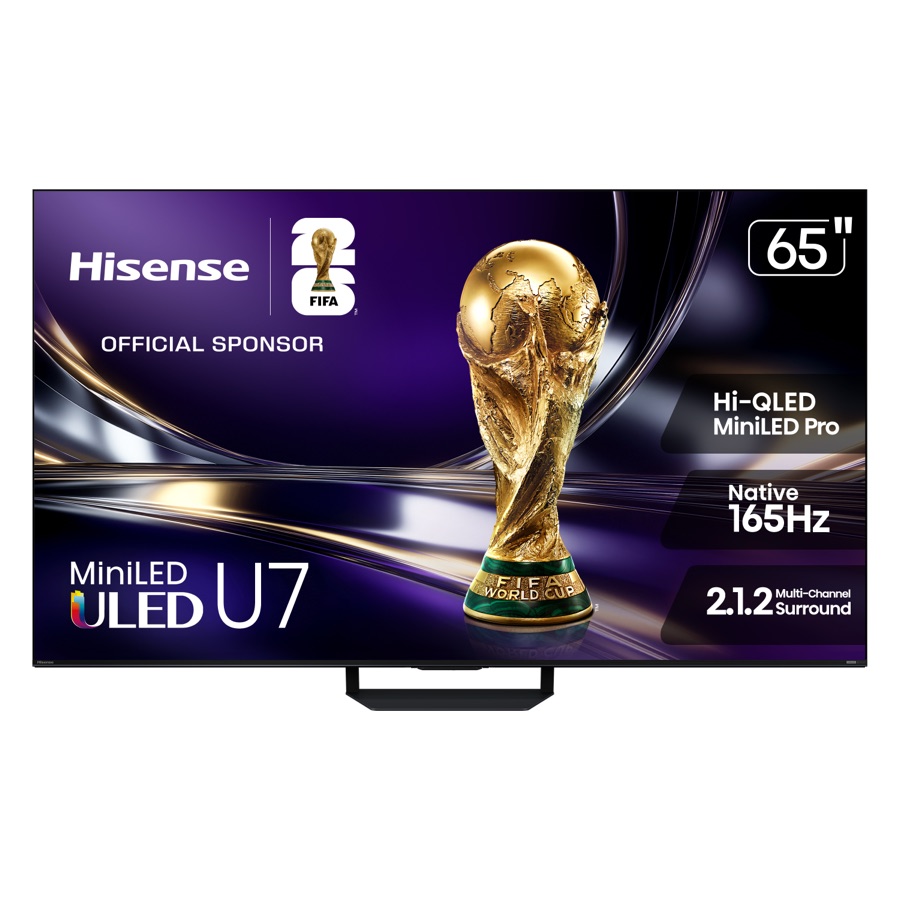
- No. The Xbox Series X tops out at 120 Hz, so any TV with HDMI 2.1 at 4K120 gets everything it can do. The higher refresh rates on the Hisense, TCL, and Samsung sets only matter if you also connect a gaming PC.
- How many HDMI 2.1 ports do I need?
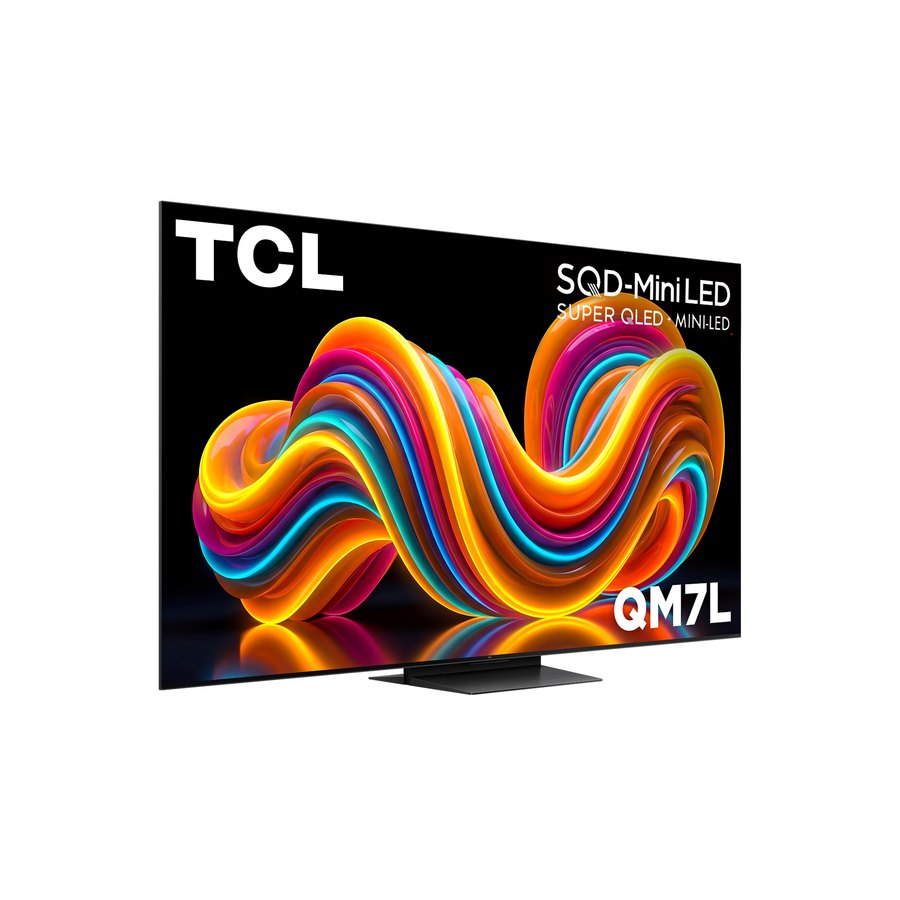
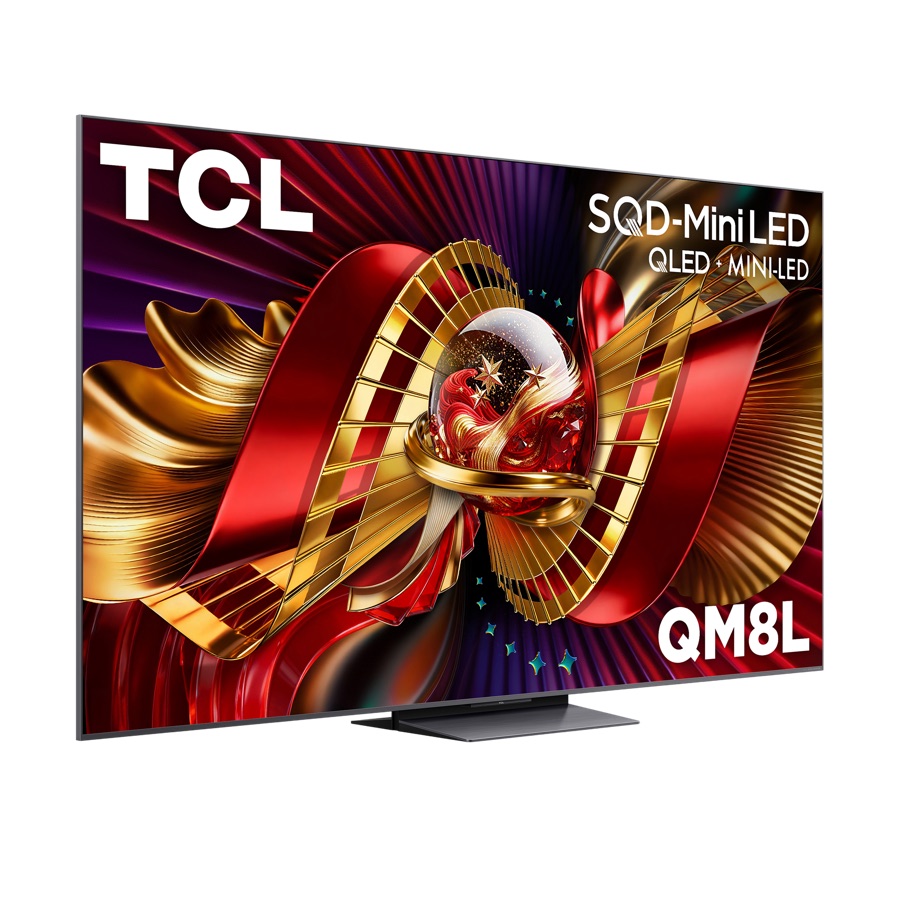
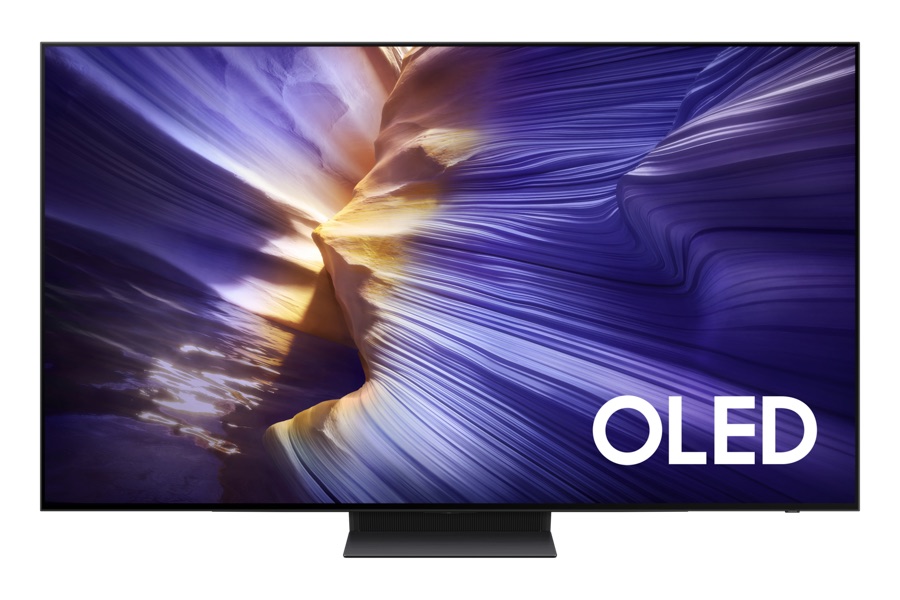
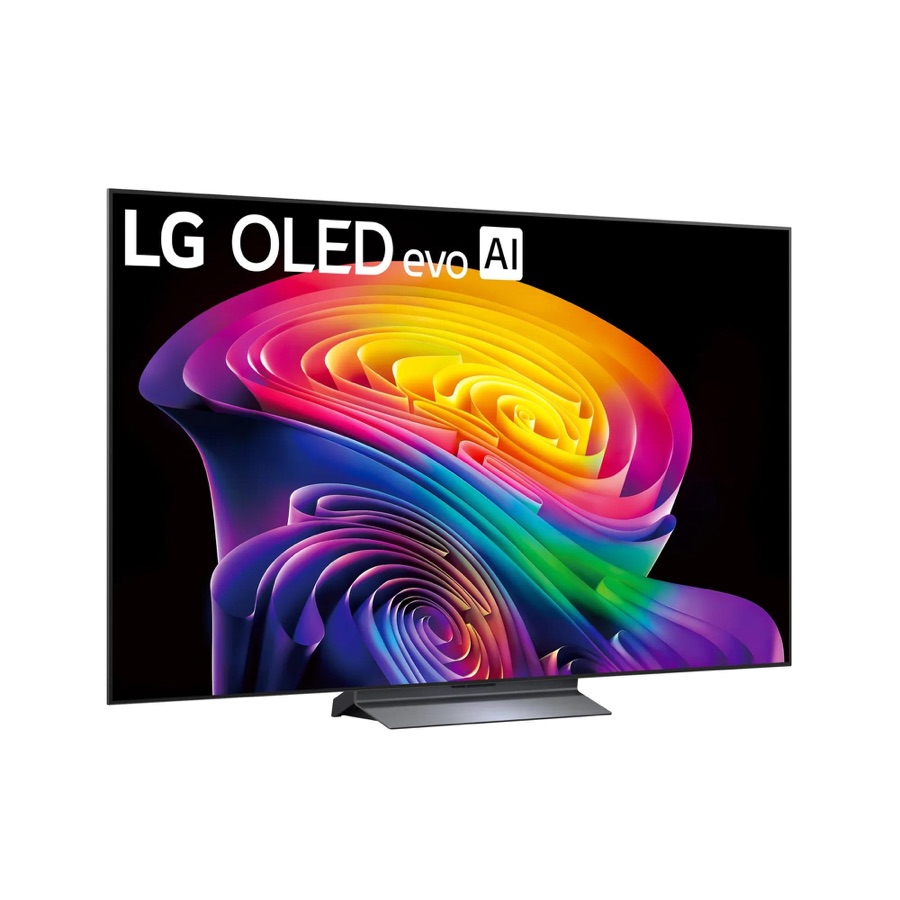
- One for the Xbox at 4K120. Add one per extra console or PC you want at full speed, or connect everything through an AV receiver with HDMI 2.1 passthrough and the TV needs only one. The LG, Hisense, Samsung, and QM8L have four; the QM7L has two.
- Is OLED burn-in a problem with the Xbox dashboard?
- Rarely. The C6 and S90F shift pixels and dim static logos, and the Xbox dashboard dims after a few minutes of inactivity. If the same game with a fixed HUD runs many hours a day, the Hisense U7SG or TCL QM7L removes the risk entirely.
- Which of these is best for GTA 6 on Xbox?
- Rockstar has confirmed a 30 fps target on all consoles, so 120 Hz matters less than usual and VRR and a low-lag game mode matter more. Any TV on this page is fine; our GTA 6 TV guide and settings guide cover the details.
- What about the Xbox Series S?
- It outputs up to 1440p at 120 Hz and 4K at 60 Hz, with VRR, ALLM, and Dolby Vision gaming. The same TVs suit it; the QM7L is the sensible pick since a Series S never needs the extra HDMI 2.1 ports.