Buying Guides
Best TV and Setup for GTA 6
What GTA VI needs from your TV, sound system, and storage before it launches November 19 on PS5 and Xbox Series X|S, with what Rockstar has confirmed and what is only reported.
We may earn a commission when you buy through links on this site, at no extra cost to you. It never affects what we recommend. Learn more.
Grand Theft Auto VI launches on Thursday, November 19, 2026, on PS5 and Xbox Series X|S. Rockstar has not announced a PC version. If you are buying a TV, a sound system, or more storage for it, this guide covers what actually matters for this game, and is careful to separate what Rockstar has confirmed from what has only been reported.
What we know about how GTA VI runs
| Status | Detail | |
|---|---|---|
| Release date | Confirmed | November 19, 2026, PS5 and Xbox Series X|S |
| Pre-load | Confirmed | Opens November 12; boxed copies contain a download code, not a disc |
| PS5 Pro | Confirmed | Listed as "PS5 Pro Enhanced"; Rockstar has not said what the enhancement does |
| 3D audio on PS5 | Confirmed | Sony lists Tempest 3D Audio support |
| Frame rate | Reported | Digital Foundry's analysis of Rockstar's August trailer found a locked 30 fps on a base PS5, and called a 60 fps console mode unlikely |
| Resolution | Reported | The same analysis found roughly 1440p upscaled to 4K on a base PS5 |
| HDR, VRR, 120 Hz | Not announced | No official word for either console |
| Dolby Atmos | Not announced | Neither the PlayStation nor the Xbox store listing mentions it |
| Install size | Not announced | Figures circulating online are guesses |
| PC version | Not announced | Reports point to 2027 |
The important takeaway for a TV: plan for a 30 fps game. That changes what matters more than any spec sheet would.
What GTA VI needs from your TV
Low input lag and game mode. At 30 fps, every frame is on screen for 33 milliseconds, so a slow TV adds noticeable delay on top. Turn on game mode, or let the console switch it automatically with ALLM (auto low latency mode). Every TV in our gaming TV picks supports ALLM and has a fast game mode.
Turn off motion smoothing. Many TVs add "motion interpolation" in their movie and standard modes, which makes 30 fps look smoother but adds a lot of lag and visible artifacts during fast driving. Game mode switches it off; make sure it stays off.
Good HDR. Rockstar has not confirmed HDR, but GTA V's PS5 and Xbox Series release supported it, and the trailers are clearly built around bright sunlight, neon, and night skies. A TV with real HDR brightness, a Mini-LED or a good OLED, is the safest bet.
HDMI 2.1 is future-proofing, not a requirement. A 30 fps game does not need 4K120. HDMI 2.1 matters if Rockstar later adds a performance mode, if a 120 Hz mode appears, or for the other games you play. Every TV in our gaming picks has at least two HDMI 2.1 ports.
Our TV picks for GTA VI
These come from our full best TV for PS5 and Xbox roundup:
- TCL QM7L: best value. Bright HDR, rich color, 9.4 ms of input lag, and a Mini-LED panel with no burn-in risk from GTA's on-screen map and HUD.
- Hisense U7SG: best for a bright room. The matte screen handles daylight, and all four HDMI ports are HDMI 2.1.
- LG C6: best overall. Perfect blacks for the night city, under 10 ms of lag, and four HDMI 2.1 ports.
- TCL QM8L: best big screen. An 85-inch screen for the most immersive drive, with very bright HDR.
On an OLED, GTA's minimap and HUD sit in the same place for hours. Modern OLEDs dim and shift static elements to prevent burn-in, so leave those protections switched on.
What size TV
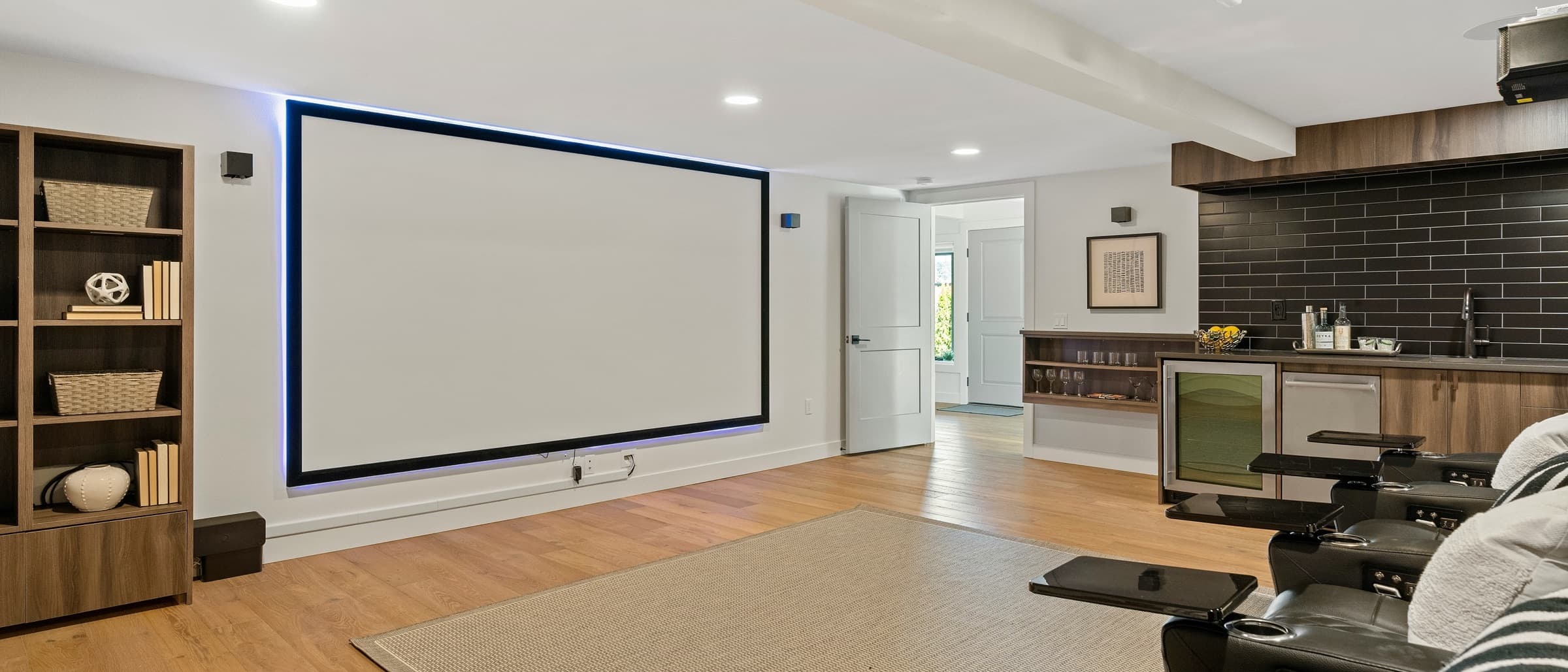
Open-world games reward a big screen, but the right size still depends on how far you sit. At 8 feet, a 65-inch TV is ideal for mixed use; at 9 feet, 75 inches; at 10 feet, 82 to 85 inches. Our TV size calculator gives the exact answer for your couch.
Sound
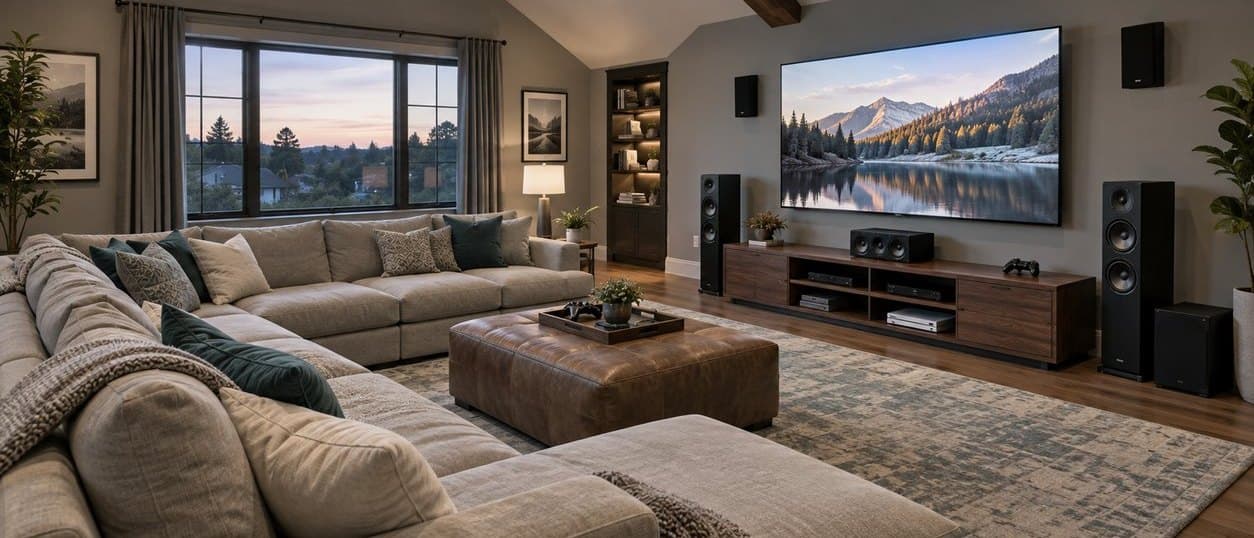
The PS5 version supports Tempest 3D Audio, Sony's positional audio system, which works best with headphones and can also process sound for TV speakers. On Xbox, and for anyone who wants the game to fill the room, the options are:
- Headphones: the most precise positional sound on either console, and the best choice for late-night play.
- Powered speakers or a soundbar: a big step up from TV speakers. Our best powered speakers for TV plug straight into the TV over HDMI.
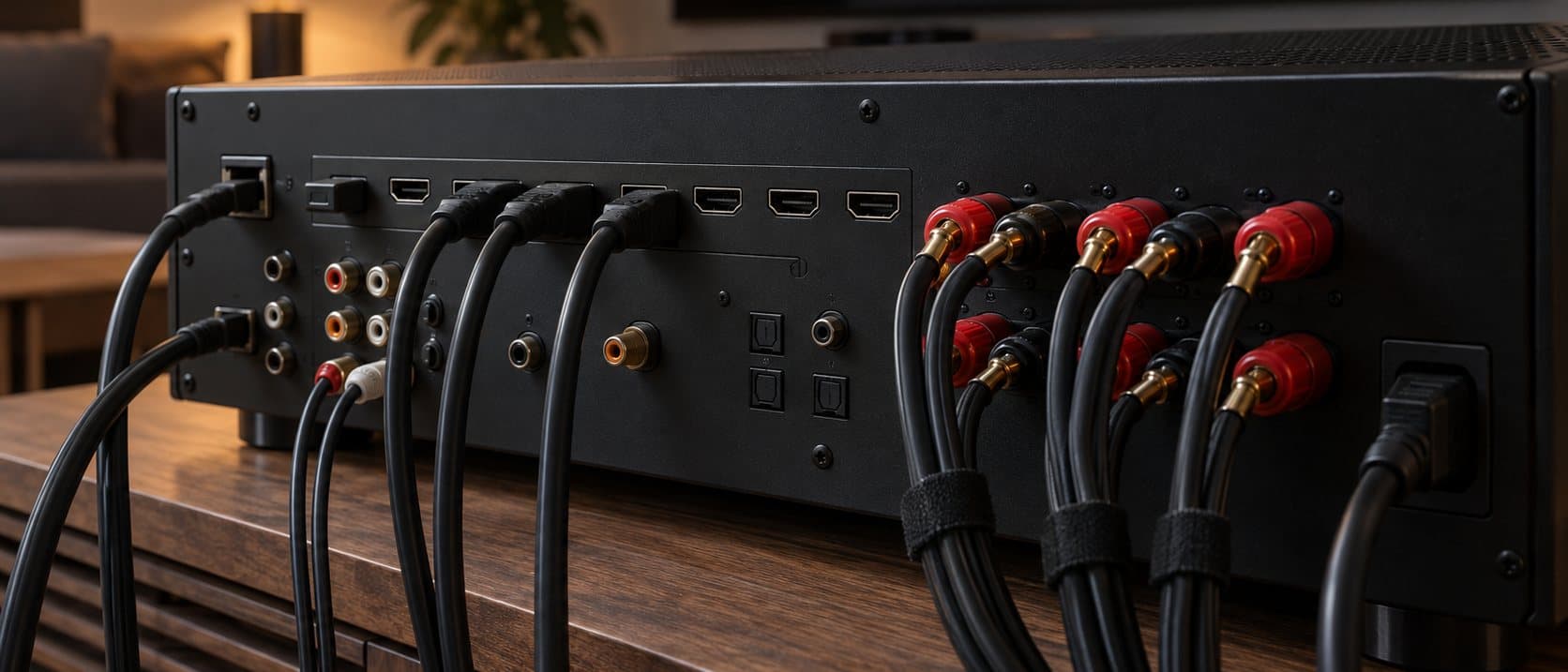
- An AV receiver with surround speakers: both consoles output multichannel surround to a receiver. Rockstar has not said whether GTA VI supports Dolby Atmos, so buy a receiver for your system as a whole rather than for this one game. If the receiver will sit between the console and the TV, choose one with HDMI 2.1 passthrough.
Storage
Rockstar has not published the install size, and the large figures circulating online are guesses. Open-world games on this scale commonly need 100 GB or more, so it is sensible to free up a lot of space on your console before November 12, or add an expansion drive. On PS5 that is a compatible M.2 NVMe SSD; on Xbox Series X|S, an official Storage Expansion Card.
Launch-day checklist
- Check how much free storage your console has, and clear space before pre-load opens on November 12.
- Put the TV in game mode, or turn on ALLM so the console does it for you.
- Switch off motion smoothing and any "noise reduction" in the TV's picture settings.
- Run the console's HDR calibration, so the brightest and darkest parts of the image look right on your TV.
- Use a certified Ultra High Speed HDMI cable between the console and the TV or receiver.
- On PS5, turn on 3D audio in the sound settings if you use headphones.
Get new guides in your inbox
One email when we publish something worth reading. No spam.