Head to head
TCL QM7L vs QM7L Pro
QM7L or the Costco-only QM7L Pro? Same SQD panel and dimming zones; the Pro adds HDMI 2.1 on all four inputs and the QM8L's processor, while the standard QM7L is a touch brighter in game mode and handles reflections better. Which one to buy, and where the club-store model numbers fit.
We may earn a commission when you buy through links on this site, at no extra cost to you. It never affects what we recommend. Learn more.
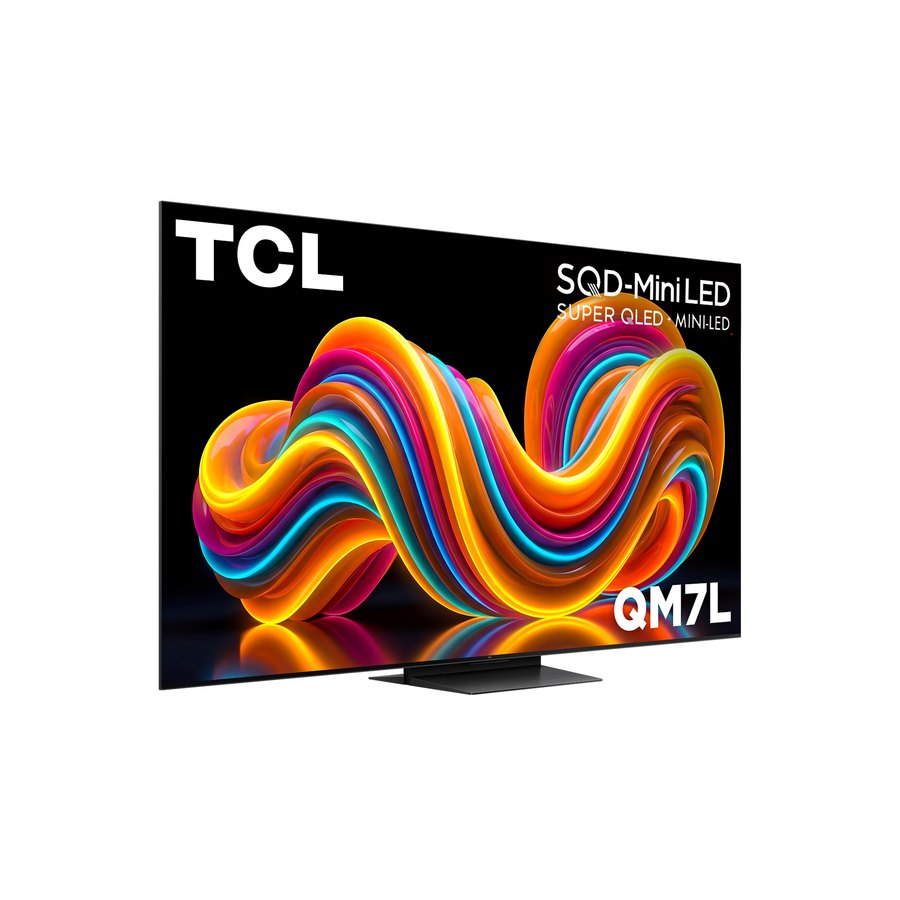
The QM7L Pro is the QM7L that Costco sells, and the differences are smaller than the name suggests. Both use TCL's SQD quantum-dot layer and the same local dimming zone counts at every size. The Pro upgrades the ports and the processor: four HDMI 2.1 inputs instead of two, and the TSR AI Pro chip from the QM8L. RTINGS tested both and calls them very similar overall, with each winning a few tests. The one question that decides it: do you have more than one HDMI 2.1 source, and are you a Costco member?
Black Friday 2026
The sale price that makes each one worth buying
- TCL QM7L 65-inch SQD-Mini-LED (65QM7L)Typically $898. Buy at $670 or under.
- TCL QM7L Pro 65-inch SQD-Mini-LED (65QM7L Pro, Costco)Typically $1,000. Buy at $750 or under.
Checked November 16; prices move by the hour during the sale.
| Spec | TCL QM7L Pro 65-inch SQD-Mini-LED (65QM7L Pro, Costco) Costco members with more than one console Sold only at Costco, in the warehouse and on costco.com | |
|---|---|---|
| Best for | Vivid color and bright HDR on a budget | Costco members with more than one console |
| Where it is sold | Amazon, Best Buy, Walmart and most retailers | Costco only (warehouse and costco.com) |
| Sizes available | 55, 65, 75, 85, 98 in | 55, 65, 75, 85, 98 in |
| Panel | SQD Mini-LED QLED (VA) | SQD Mini-LED QLED (VA), HVA 2.0 Pro |
| Dimming zones (RTINGS, 65 in) | 1,152 | 1,152 (same at every size) |
| Processor | TSR AI | TSR AI Pro (from the QM8L) |
| Peak HDR brightness | About 2,270 nits (Tom's Guide, 10% window) | Over 2,500 nits at a 5% window (RTINGS) |
| Refresh | 4K 144 Hz | 4K 144 Hz, 1080p 288 Hz |
| HDMI 2.1 inputs | 2 of 4; 2 more at HDMI 2.0 | 4 of 4 (4K144); eARC on HDMI 4 |
| Input lag | 9.4 ms (Tom's Guide) | Not published; RTINGS notes blurry motion in game mode |
| Out-of-box accuracy (RTINGS) | Better in SDR | Better in HDR; warm tint in SDR |
| Reflections | Slightly better (RTINGS) | Glossy; fine unless a light faces the screen |
| Platform | Google TV | Google TV |
What is the same
The picture hardware. Both TVs use TCL's Super Quantum Dot layer, so color volume is the same, and RTINGS found the Pro has the same dimming zone count as the standard QM7L at each size: about 800 zones at 55 inches, 1,152 at 65, 1,352 at 75, 1,624 at 85 and 2,176 at 98. Both run Google TV, support Dolby Vision and HDR10+, and refresh at 144 Hz with VRR.
The price, most weeks. Costco listed the 65-inch Pro at about 1,300 dollars and has run it at 850 to 900 dollars through its November 2026 promotions, while the standard 65-inch QM7L has sold for about 900 at Amazon. Treat them as the same money and buy on the differences below.
What the Pro changes
Ports. The standard QM7L has two HDMI 2.1 inputs and two HDMI 2.0 inputs that stop at 4K60. The Pro has HDMI 2.1 on all four, so a PS5, an Xbox Series X, a gaming PC and a receiver all get 4K at 120 Hz or more without swapping cables. That is the reason to choose it.
Processing. The Pro carries the TSR AI Pro chip from the QM8L. In RTINGS' tests that buys better upscaling of cable and older streams, smoother low-quality content with less banding, and more accurate HDR out of the box. If most of what you watch is 1080p or compressed streaming, the Pro's picture is a little cleaner.
Where the standard QM7L wins
RTINGS found the regular QM7L brighter in the Game Master HDR picture mode, a touch better at handling reflections, slightly higher in contrast, and more accurate in SDR out of the box, where the Pro shows a warm, reddish tint until it is adjusted. RTINGS also noted that the Pro's motion blurs in game mode at every refresh rate it tested, which makes the standard model the safer pick for fast shooters and sports on one console.
Availability is the other difference. The standard QM7L is sold everywhere and goes on sale often; the Pro needs a Costco membership, which also brings Costco's return window and the bundled protection plan Costco includes on TVs.
What about the TCL M8L, M8L Pro and M8LF?
Searches for those names are common, but we could not find a TCL M8L, M8L Pro or M8LF on TCL's US site or in any published review. TCL does make retailer-specific versions of its mainstream sets, the QM7L Pro being the clear example, and club stores sometimes list a TV under a model number printed on the box rather than TCL's series name. If you see an M-prefixed TCL at a warehouse club, check the size and the full model number on the spec label against TCL's QM7L and QM8L pages, count the HDMI 2.1 ports, and treat the price as the tiebreaker. We will add it here when TCL or a lab publishes details.
Pick the TCL QM7L if
- You have one console and a streaming box, so two HDMI 2.1 inputs are enough.
- You game competitively or watch a lot of sports and want the clearer motion and brighter game mode.
- You are not a Costco member, or you want to buy from Amazon and catch the frequent sales.
Pick the TCL QM7L Pro if
- You have two consoles, or a console plus a gaming PC, and want every input at full bandwidth.
- Most of what you watch is cable, sports streams or older shows that benefit from the better upscaling.
- You are a Costco member and the Pro is at its promotion price.
Verdict
Buy the standard TCL QM7L unless you need four HDMI 2.1 inputs; it is the same panel, the same color and the same zones, it is a little brighter in game mode with clearer motion, and it is easier to buy. Buy the QM7L Pro if you are a Costco member with more than one console or a console and a PC, because the extra ports and the QM8L processor are real upgrades at the same price. If you want a brighter picture with twice the zones rather than more ports, the QM8L is the step up for both.
Common questions
- Is the TCL QM7L Pro the same as the QM7L?
- Nearly. The Pro is the Costco version with HDMI 2.1 on all four inputs and the QM8L's TSR AI Pro processor. The panel, SQD color layer and dimming zone counts are the same, and RTINGS calls the two very similar overall.
- Is the QM7L Pro brighter than the QM7L?
- Not in a way you would notice. RTINGS measured the Pro at over 2,500 nits on a 5 percent window in Filmmaker Mode and found the standard QM7L brighter in the Game Master HDR mode. Both are bright enough for a daytime living room.
- Where can I buy the TCL QM7L Pro?
- Only at Costco, in the warehouse or on costco.com, with a membership. The standard QM7L is sold at Amazon, Best Buy, Walmart and most other retailers.
- How much does the QM7L Pro cost?
- Costco listed the 65-inch at about 1,300 dollars and sold it for 850 to 900 dollars during its November 2026 promotions. That is within about 50 dollars of the standard 65-inch QM7L's typical Amazon price.
- Is the QM7L Pro a cheaper QM8L?
- No. It has the QM8L's processor and port count, but the QM8L is much brighter, has close to twice the dimming zones with tighter halos, and a wide-angle filter. See our QM7L vs QM8L comparison for that step up.
- Which is better for gaming?
- For one console, the standard QM7L: 9.4 ms of input lag, a brighter game mode and clearer motion in RTINGS' testing. For two consoles or a console plus a PC, the Pro, because every input runs 4K at 144 Hz.
- Does the QM7L Pro support Dolby Vision gaming?
- TCL does not state Dolby Vision gaming for either US model. Both support Dolby Vision for movies and HDR10+, and both run VRR and ALLM on an Xbox Series X or PS5.
- What is the TCL M8L or M8L Pro?
- We could not find a TCL M8L, M8L Pro or M8LF on TCL's US site or in any published review. If you see one at a club store, compare its full model number and HDMI 2.1 port count against the QM7L, QM7L Pro and QM8L before buying.